
How to Choose Website Images That Help Readers
Choose website images that clarify technical content, support accurate claims, stay readable on mobile, and protect privacy and accessibility.

Choose website images that clarify technical content, support accurate claims, stay readable on mobile, and protect privacy and accessibility.

Plan timely tech tutorials around when readers need to prepare. Use reader tasks, traffic signals, testing time, and update triggers to set publication dates.

Write business emails with clear requests, useful subject lines, explicit deadlines, and replies that close the loop—without overlooking sensitive details.

Learn how to document a technical change with a clear baseline, checkable results, honest limits, and a privacy review before publication.

Measure the usefulness of technical tutorials with reader tasks, recurring questions, and analytics—while checking for accurate, safe outcomes.
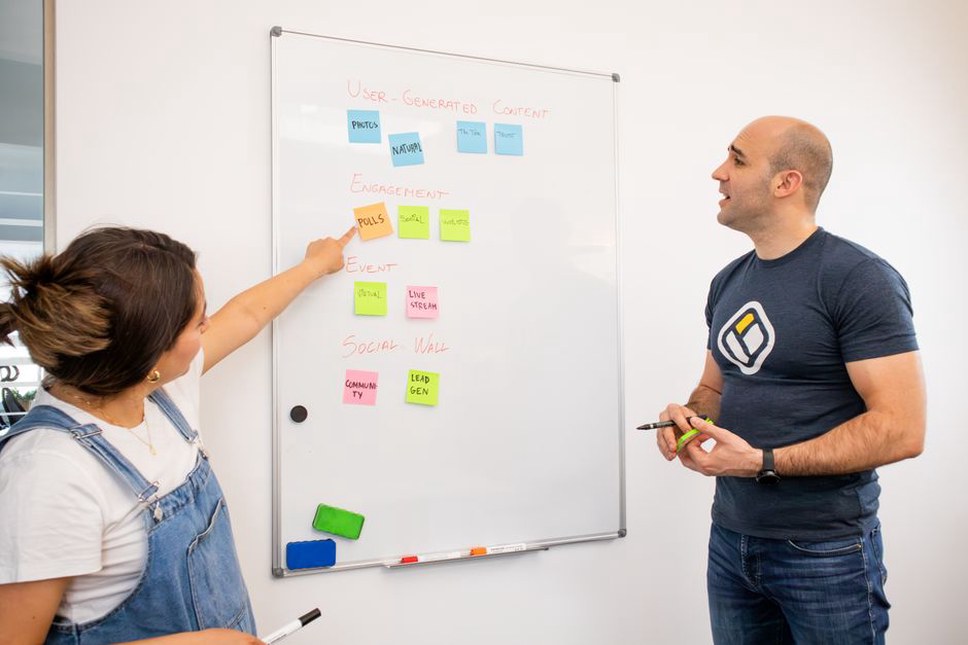
Build useful categories for a programming or security blog: assign posts by reader goal, keep tags and series distinct, and audit the structure as it grows.

Learn how to check a mobile page for readable content, usable touch controls, accessible forms, speed, and clear security information.

Find content gaps in technical tutorials using page inventories, reader questions, and hands-on checks. Decide whether to update, create, or better connect a page.
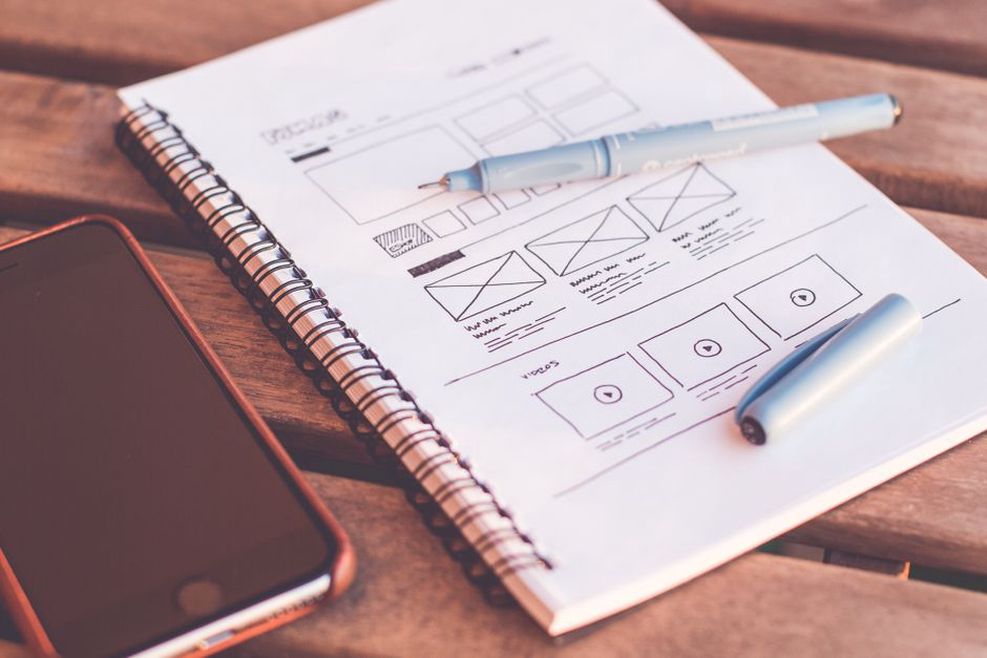
Write landing page calls to action that match the offer, explain what happens next, work for all visitors, and measure completed actions—not just clicks.
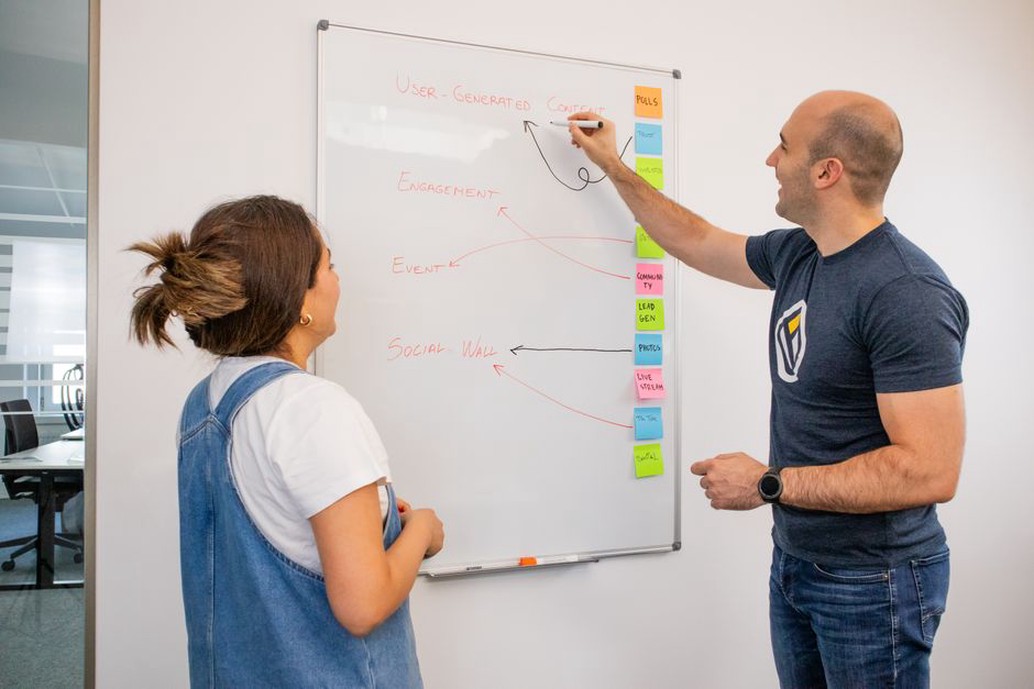
Set practical website launch goals, test essential actions, track meaningful results, and plan reviews without relying on arbitrary traffic targets.