When you submit a draft to a client via an unencrypted email attachment, you are not just sending text — you are exposing your intellectual property and potentially your client’s confidential data. Freelance writers handle contracts, personal notes, research sources, and sometimes even login credentials for content management systems. The difference between a professional setup and a casual one often shows up in the small habits: where you store your files, how you handle passwords, and what happens when your laptop is stolen. Below are three concrete things every freelance writer needs to have, with a focus on security and efficiency that scales as your client list grows.
1. A Writing Environment That Respects Your Focus and Your Data
Many writers default to Google Docs or Microsoft Word because they are familiar. But these cloud-based platforms store your work on third-party servers, subject to their terms of service and potential data breaches. A better approach is a local-first writing environment that gives you full control over your files. Markdown editors such as Typora, Obsidian, or even VS Code with a Markdown extension let you write in plain text, which is future-proof, lightweight, and easily version-controlled. You can sync your files using an encrypted service like Syncthing or a self-hosted Nextcloud instance, avoiding the privacy risks of proprietary clouds.
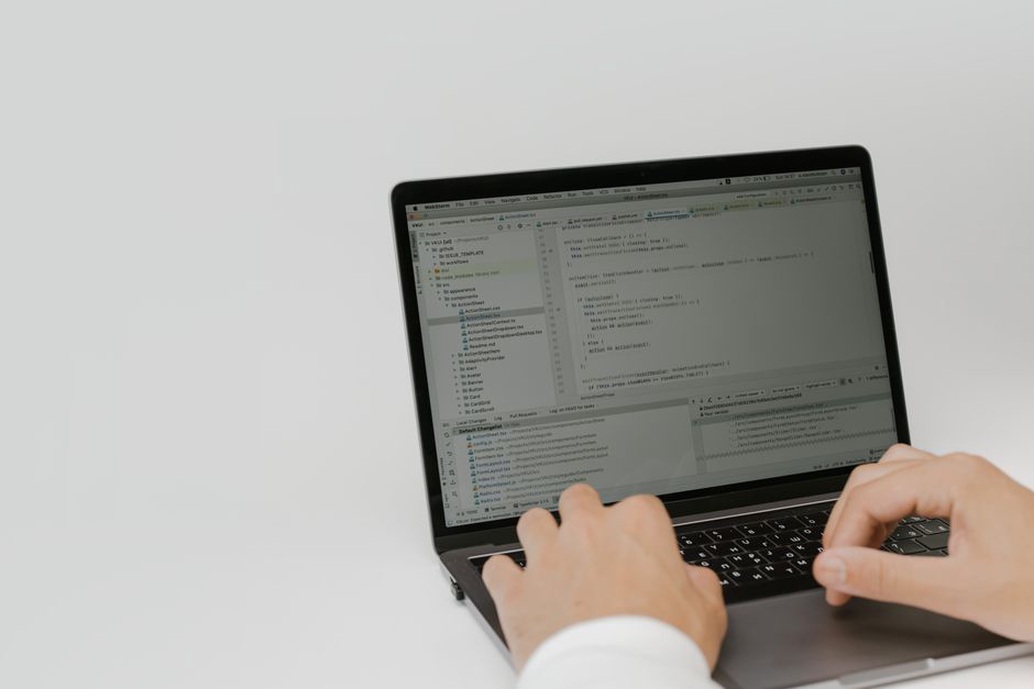
Beyond privacy, a distraction-free editor improves your output. Features like focus mode, word count goals, and live preview help you stay in the flow. For security, ensure your editor supports encryption at rest — for example, using a VeraCrypt container for your project folders. This way, even if someone gains physical access to your device, your drafts remain unreadable. Pair this with a consistent file-naming convention (e.g., YYYY-MM-DD_projectname_draft.md) to keep your archive organised without relying on a database.
2. A Security Toolkit That Travels With You
Freelance writers often work from coffee shops, co-working spaces, or while travelling. Public Wi-Fi networks are convenient but notoriously insecure. A proper security toolkit includes three core components:
- A password manager — Bitwarden or KeePassXC. Generate unique, strong passwords for every client portal, CMS, and email account. Never reuse passwords. A password manager also stores your Wi-Fi credentials, API keys, and secure notes.
- A VPN — Mullvad or ProtonVPN. Encrypts all traffic when you are on untrusted networks. Choose a provider that does not log and accepts anonymous payments.
- Encrypted backups — Use restic or BorgBackup to create incremental, encrypted backups to a remote location (e.g., a Hetzner Storage Box or a friend’s server). Test your restore process quarterly.

Additionally, enable two-factor authentication (2FA) on every account that supports it. Use an authenticator app (Aegis, Raivo OTP) rather than SMS-based codes. For your laptop, enable full-disk encryption (FileVault on macOS, LUKS on Linux, BitLocker on Windows). These steps take less than an hour to set up and protect you against the most common threats: lost devices, phishing, and credential theft.
3. A Client Management System That Protects Both Parties
Writing may be creative, but the business side is pure logistics. A freelance writer needs a system to track proposals, contracts, invoices, and communications — ideally with security built in. Start with a simple contract template that includes a data processing clause: specify how you handle client data, how long you retain it, and what happens after the project ends. Use a tool like PandaDoc or simply sign PDFs with a digital signature (e.g., using LibreOffice or Adobe Acrobat). Never send invoices or contracts as plain-text email attachments; encrypt the PDF with a password shared via a separate channel (e.g., Signal or a secure note in your password manager).
For version control of long-form manuscripts, consider using Git with a private repository on a self-hosted Gitea instance or a trusted service like SourceHut. This gives you a full history of changes, the ability to revert mistakes, and a clear audit trail for clients who request revisions. Tag each submission with a version number (v1.0, v1.1, etc.) and include a changelog in the commit message. This level of professionalism not only protects you legally but also builds trust with clients who value data security.
Finally, keep a separate email address for freelance work and use a dedicated folder system. Never mix personal and client communications. If you use a CRM tool, choose one that allows you to export your data in an open format (CSV, JSON) and does not lock you in. The goal is to have a repeatable process that works whether you have one client or twenty.
Start today by enabling full-disk encryption on your laptop and setting up a password manager — two steps that take less than an hour and will protect every word you write.