
A Java setup guide can look fine until its first screenshot points to a menu that no longer exists. Before you rewrite it, follow the steps in order as a beginner would, using the versions it names. Note the first place you have to guess. That gap usually matters more than the publication year or a drop in page views.
Refreshing a post takes more than replacing old version numbers. The checklist below keeps the job manageable without skipping the claims, examples, and instructions readers depend on.
1. Decide whether the post deserves a refresh
Start with posts that still answer a recognizable question. Look for recurring reader questions, changed interfaces, obsolete dependencies, or traffic reaching a page that no longer answers the question its title suggests. A quiet post may still deserve attention if it covers a foundational task, such as setting up a development environment safely.
- Keep and refresh: The core question is still useful, and most of the structure works.
- Narrow the scope: One section remains valuable, but the original post promises too much.
- Retire or replace: The task is no longer possible, safe, or relevant, and small edits would mislead readers.
Write down the decision before editing: “This post should still help a first-time Linux user check file permissions without changing system-wide settings.” Use that sentence to judge proposed additions. It can stop a beginner guide from growing into an unwieldy reference page.
2. Capture a baseline before touching the page
Save the current text. Note the title, URL, publication date, update date, and main reader task. If you have analytics or search data, record what might help you edit: common queries, prominent landing-page paths, and sections where readers report trouble. Those numbers tell you where attention goes, not whether a command is correct. A popular command can still be unsafe or obsolete.
Look for concrete failures in comments and support messages. “Step 4 fails on Ubuntu 24.04” gives you something to investigate. A vague complaint does not prove the instruction is wrong, though it may point to a missing prerequisite. Keep the original wording handy so you can tell a deliberate correction from an accidental change in meaning.
3. Audit claims and steps in the order readers encounter them
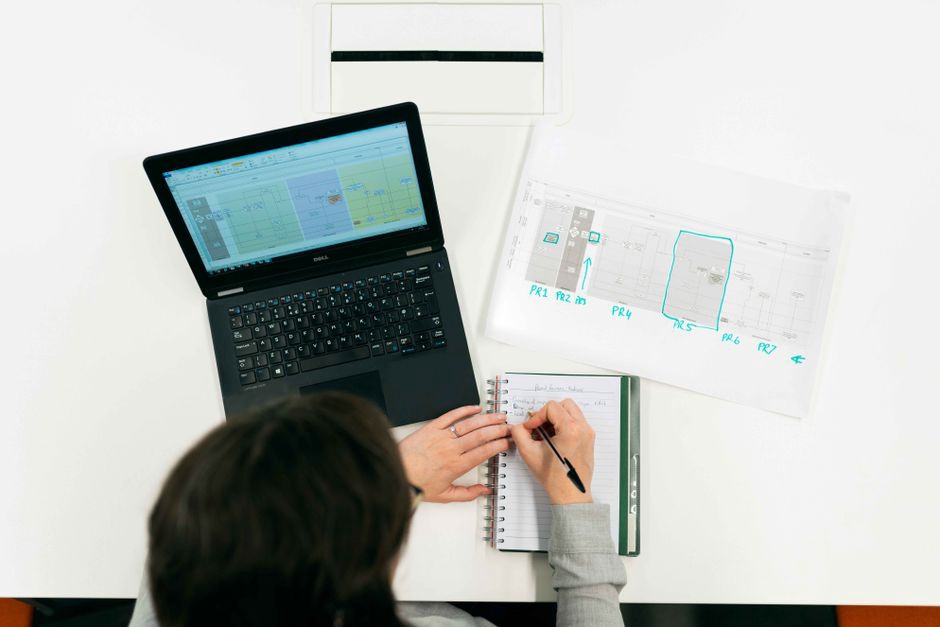
Read the post once, from the first instruction to the last, without editing. Mark claims that depend on a product version, operating system, default setting, policy, price, or date. Check each one against current primary documentation or a local test. A newer-looking blog post is not enough to verify an older one.
Run a small reproducibility check
For a programming tutorial, record the operating system, tool version, and starting state of your test environment. Run the example exactly as published before fixing it. If it fails, save the error and find the missing step: perhaps an environment variable, package installation, compiler flag, permission, or renamed menu item. When practical, test the corrected sequence from a clean state. If a command works only because you already installed a dependency, it is not ready for a beginner guide.
Give security-related steps a boundary check too. Network diagnostics should apply only to systems readers own or are authorized to test; lab exercises should name their assumed environment. Remove instructions that treat disabling protections as a routine way to make a demo work. If a tool needs elevated privileges, explain which operation needs them instead of telling readers to run the whole procedure as administrator.
4. Fix the highest-impact errors first
Prioritize what could mislead or harm a reader. A broken installation command or unsafe instruction matters more than inconsistent capitalization. Work through the findings in this order:
- Correct unsafe or false instructions. Remove unsupported claims and fix steps that could expose data, weaken a system, or consistently fail.
- Restore the task path. Add prerequisites, expected results, and recovery guidance wherever a beginner would otherwise get stuck.
- Update version-dependent details. Name the version you tested and distinguish it from versions you have not checked.
- Improve navigation and presentation. Revisit headings, screenshots, captions, and wording once the technical steps work.
If a post gives a package-installation command without naming the Linux distribution, resist adding commands for every distribution family. State which distribution the walkthrough covers, or separate the alternatives clearly. Readers need a path they can follow, not a show of universal coverage.
5. Rebuild examples around observable results
An example should make three things clear: what the reader supplies, what they run, and what success looks like. A beginner C++ post might name the compiler used in testing and show a small program’s expected output. A permissions guide might explain which account owns a test file and what a permission change affects. Do not promise identical output across platforms when versions or formatting may differ.
Use names, paths, and addresses that are clearly fictional or local. Demonstrate file operations on a disposable file and security checks in a controlled lab. If a command can overwrite data, warn readers immediately before it and show a non-destructive inspection step first. That is more useful than another paragraph of background theory.
Replace or remove screenshots that no longer match the steps. For a new screenshot, use a caption that identifies the relevant control rather than merely naming the product. For command-line tasks, text showing the command and expected output may be clearer and easier to maintain than an image.
6. Check the page around the instructions
Even a working example can send readers astray if the page around it promises something else. Compare the title and opening paragraph with the task the post actually solves. If the title promises complete Linux hardening but the post covers only account passwords, narrow the title. Expand the post only if the larger scope is warranted.
- Headings: Give each section a distinct action or concept; cut sections that repeat the same advice.
- Links: Open references and check that they support the sentences attached to them. Remove dead or irrelevant links rather than substituting unrelated pages.
- Terminology: Use the same name for each tool, setting, and file throughout the walkthrough.
- Accessibility: Make sure the steps work without screenshots, code remains readable on a narrow screen, and image alt text describes relevant visual information.
- Dates: Keep the original publication date accurate. Add an update date only after a meaningful review or change.
For example, a post about recovering access to your own Windows machine should not pick up a vague link labeled “password tips.” If an internal reference helps, name its subject, such as legitimate Windows password recovery with Kali Linux, and keep the surrounding guidance limited to authorized use.
7. Review the revised post as a new reader
Read the edit without looking at your notes. Can a reader find the prerequisites before starting? Does each step say enough to perform it, and does the next step follow from the stated result? For commands, configuration, or security decisions, ask a second reviewer to try the procedure and mark every point where they needed knowledge the post did not provide.
Before publishing, check the rendered page on desktop and mobile. Look for code blocks that hide the ends of commands, lists broken by the editor, and replacement images without useful alt text. Check the first and last steps again after layout changes; formatting can quietly damage copied commands and small warnings.

8. Leave a maintenance record
Add a brief update note when it helps readers understand what changed: “Updated April 2026: retested the commands on the named distribution and replaced outdated screenshots.” Do not claim a full retest if you checked only a few claims. Keep a private list of unresolved items, such as an operating system you could not test, and do not present those paths as verified.
Save the tested tool versions and exact starting condition for the next review. “Tested from a new standard-user account with no compiler installed” gives the next editor a place to start; “check accuracy” does not.