Understanding Version Control
Version control systems (VCS) are indispensable for developers, offering a structured way to manage code changes over time. These systems allow you to track modifications, collaborate with team members, and roll back to previous versions when needed. Mastering version control is vital for preserving the integrity and safety of your codebase.
Choosing the Right Version Control System
Protecting your code begins with selecting a version control system that fits your requirements. Git, SVN, and Mercurial are popular choices. Git is particularly favored because of its distributed nature and strong community backing. It enables developers to work offline, make independent changes, and integrate them smoothly with the main codebase.
Distributed vs. Centralized Systems
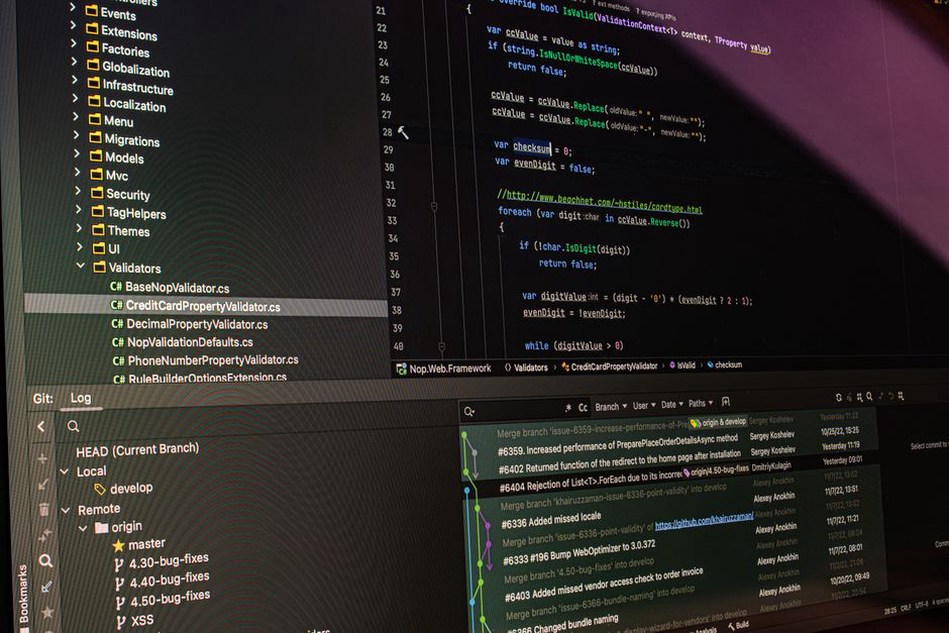
Distributed VCS, such as Git, provide each developer with a full copy of the code history, enhancing collaboration and flexibility. On the other hand, centralized systems like SVN store all changes on a single server. While centralized systems might be simpler to manage in certain situations, they lack the redundancy and offline capabilities of distributed systems.
Best Practices for Version Control
- Commit Often: Regular commits keep changes manageable and improve traceability. Each commit should represent a coherent unit of work.
- Craft Clear Commit Messages: Detailed messages assist team members in understanding the purpose of a change without needing to inspect the code.
- Use Branching Wisely: Branches allow for independent feature development away from the main codebase. Employ feature branches for new developments and merge them after testing.
- Review Code Changes: Establish a peer review process to identify errors early and maintain code quality and security.
Maintaining Security with Version Control
Version control systems are crucial for securing your code. By tracking changes, they provide an audit trail for unauthorized modifications. However, security measures must be integrated into your version control workflow.
Access Controls and Permissions
Limit repository access based on roles. Grant write permissions only to developers who require them, and provide read-only access for others where suitable. Implementing stringent access controls prevents accidental or malicious alterations to critical parts of your codebase.
Regular Audits and Monitoring
Conduct routine audits of your repositories to ensure adherence to security policies. Monitoring tools can alert you to any irregularities that might suggest a breach or misuse of access privileges.

Integrating Version Control with Development Practices
Effective version control should be woven into your overall development workflow. Automated testing, continuous integration, and deployment pipelines can boost the efficiency and reliability of your version control processes.
Automated Testing
Incorporate automated testing to verify that new commits do not disrupt existing functionalities. This helps identify issues early and maintain the stability of the main branch.
Continuous Integration and Deployment
Utilize continuous integration (CI) to automatically test and build your code following each commit. Continuous deployment (CD) can further streamline the release process, ensuring that only verified changes are deployed.
Conclusion: A Final Practical Step
To effectively protect your code, start by implementing a strong version control system that meets your project's needs. Apply the best practices outlined above to uphold code quality and security. Regularly assess your version control processes to adapt to changing security requirements and team dynamics, ensuring your codebase remains secure and efficient.