
A visitor finds a broken Java example and opens your contact page. Can they tell whether to report it there, what details to include, and whether anyone will reply? A name, email, and message box alone won’t answer those questions. The page should.
Say who receives the message and what the page is for
Describe the destination plainly. On a programming blog, messages might go to an editorial team, not a support desk for the tools mentioned in its posts. If a beginner hits a Java compiler error while following a tutorial, the author may be able to fix an unclear instruction. They probably cannot diagnose every local installation or provide ongoing individual support.
List the reasons visitors can get in touch, using language they would use:
- Report a factual error, outdated command, or broken example in a published guide.
- Ask about an instruction that seems incomplete.
- Request a correction to an attribution or accessibility issue.
- Send a relevant editorial or collaboration inquiry, if those are accepted.
Be just as direct about what the inbox cannot handle: one-to-one troubleshooting, product support, paid consulting, or account recovery, if those are outside its remit. “We can review possible errors in our published tutorials, but we cannot access or repair your device” sets a boundary without sounding dismissive. If you do not accept guest pitches, say that too.
Use a real team name or role when possible. “Editorial inbox” is more informative than “Submit,” even if both lead to the same mailbox. Do not name an individual unless they have agreed to receive and maintain those inquiries.
Give each type of request an appropriate route
Different requests need different handling. A content correction needs the article title and the passage at issue. A privacy request may have its own process. A suspected exposed credential or unsafe configuration belongs in a discreet channel, not a public comment thread.
Routing need not be elaborate. One form can work for a small site if it has a short “Reason for contact” selector and explains where each choice goes. If different teams handle the messages, label the options by the visitor’s purpose. “Report an error in a guide” is easier to choose than “Content operations.”
Show the contact method on the page. Print an email address clearly if email is an option; if the form is the only route, explain that it sends messages to the site team. A social profile may provide an additional public channel, but it should not quietly replace a private route for account, privacy, or security concerns. Only list a postal address, phone number, or live chat if someone monitors it.
Make the form fields earn their place
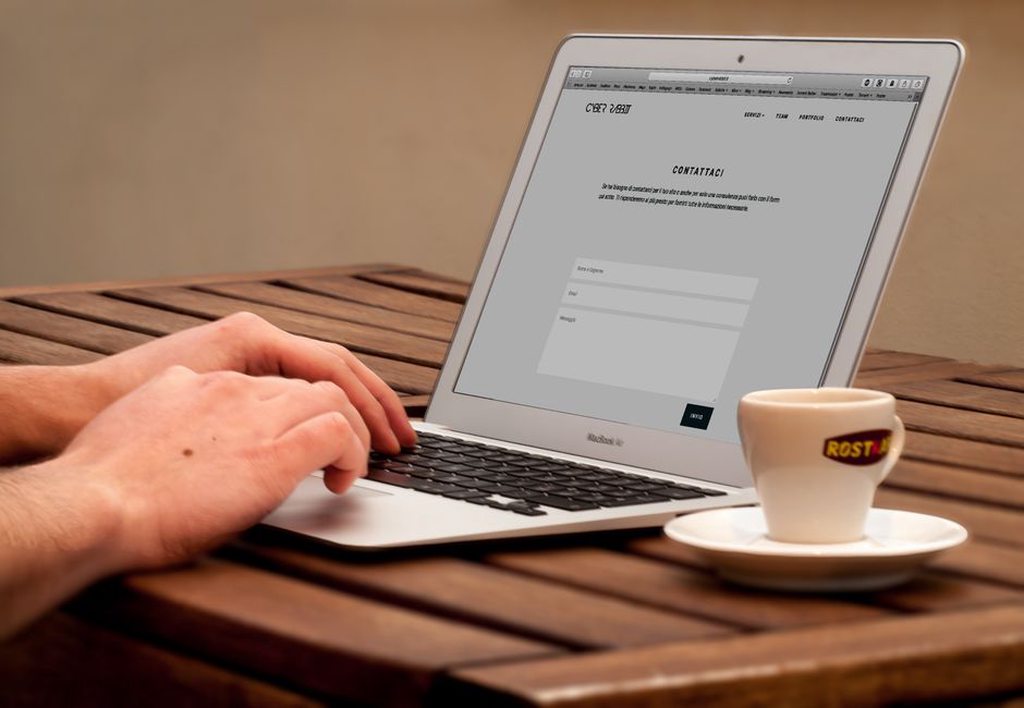
Most editorial inquiries need only a reply address, a subject or category, and a message. A name may help with the reply; a phone number, employer, and location usually will not help fix a code sample. Mark required fields clearly and explain any unusual request for information beside the field, rather than leaving the explanation in a separate policy.
For technical corrections, ask for details an editor can check: the article title, relevant heading, command or code snippet, expected result, and actual result. A page link is helpful, but do not make someone hunt for a URL before they can submit feedback, especially if they use a keyboard or screen reader. If attachments are accepted, state the allowed file types and size limits. If they are not, say so.
Give visitors room to explain the problem. Keep labels visible after they start typing, and place a specific error message beside the field that needs attention. “Submission failed” does not tell anyone what to fix.
Tell visitors when and whether to expect a reply
“We respond promptly” leaves too much to guesswork. If the team can meet it, give a realistic target such as “We aim to reply within three working days.” If replies are selective, say which messages normally get one. Reproducible error reports might receive a reply, for example, while general topic suggestions might not. Do not promise a deadline that depends on a volunteer checking the inbox when they can.
For an international audience, “working days” can mean different things. Identify the relevant time zone if it matters to the stated deadline. If the inbox is temporarily unattended, add a dated notice to the page so visitors know about the delay before writing.
After submission, confirm whether the message was sent. “Your message was sent to the editorial inbox” tells visitors more than a form that simply disappears. If you send an automated acknowledgment, identify it as automatic; do not imply the issue has been reviewed. You can also explain what to do if no acknowledgment arrives without encouraging repeated submissions of the same message.
Set safe boundaries for technical details
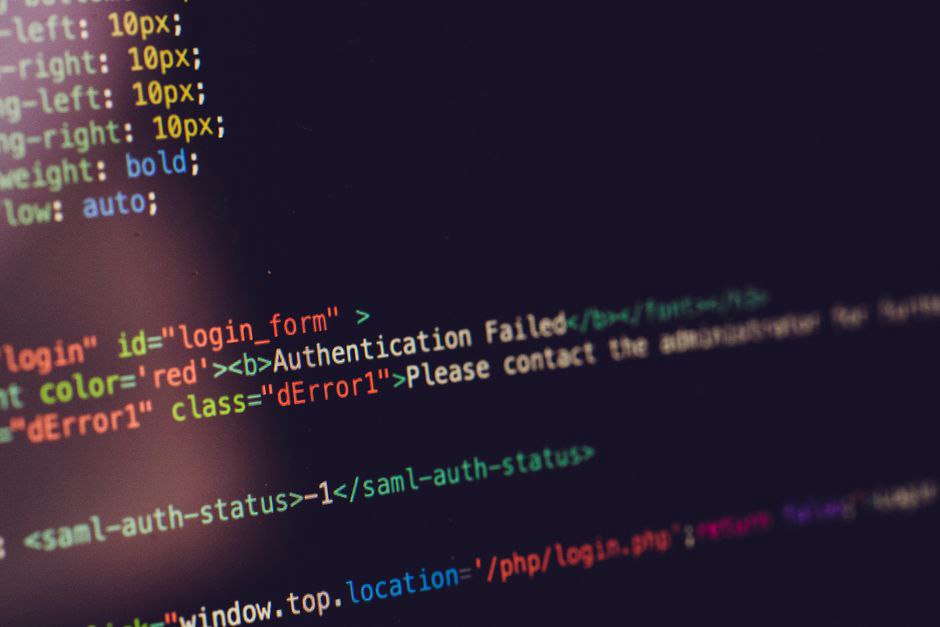
Readers may have logs or screenshots that help explain a development or defensive-security issue. Those files can also expose private data. Ask visitors to remove passwords, API keys, session tokens, personal identifiers, sensitive private IP addresses, and unrelated user data before sending anything. A compiler error or sanitized configuration excerpt is usually more useful than a full system log.
Give security-related reports their own guidance. Visitors should not post suspected vulnerabilities in public comments or test systems they do not own or have permission to assess. If you accept reports about your own infrastructure, name the authorized reporting channel and what the team can review. Do not ask anyone to demonstrate an issue by accessing another user’s data or disrupting a live service.
Never ask for account passwords, recovery codes, or payment card details in a contact form. If the site has no user accounts, explain that it cannot investigate account problems with unrelated products. That protects both visitors and the people handling the inbox.
Explain what happens to submitted information
A short privacy note should explain why you collect an email address and message, who at the site can read them, and how long they are kept—or where visitors can find the retention details. Disclose any third-party form provider or spam filter in the site’s privacy information. Do not call a form confidential or end-to-end encrypted unless its setup supports that claim.
Plain wording helps people decide what to send: “We use your email address to reply to your request. Please do not include secrets or information about other people.” If you might quote a reported error in an article update, say whether you will name the sender or ask permission first.
Make the page usable before and after submission
People should be able to read the page on a phone without zooming or searching for a tiny contact icon. Forms need labels associated with their fields for assistive technology, visible keyboard focus, and a logical tab order. Do not indicate required fields by color alone. If an anti-spam challenge blocks legitimate visitors, offer another way to reach the team.
Test ordinary failures, not just successful submissions. Someone who mistypes an email address should see what needs correcting without losing a carefully written message. A server error must not display “Thanks, we received it.” Check the on-page confirmation and the acknowledgment email separately; one can work while the other is misconfigured.
A privacy policy and other site information can provide detail, but they should not hide the basics. The contact page still needs to identify the recipient, suitable reasons for writing, the reply process, and any safety warnings. If an English-language site accepts messages in other languages, state which ones the team can realistically handle.
Keep the contact page aligned with the actual inbox
Even accurate wording goes stale. A retired editor’s address, an unmonitored form, or an old reply-time promise can leave visitors at a dead end. Assign someone to check both the published page and message delivery when the team, form provider, or editorial workflow changes.
Send a test message from outside the site’s usual account and follow it through. Check that the form accepts it, the notification reaches the right inbox, the reply address works, and the sender sees the promised confirmation. Compare the stated reply time with how the inbox is handled now. If the form offers “Report an error in a guide,” make sure the editor receives the article title with the message. Otherwise, a useful category may reach the right person without the detail they need to act.